Cut Kubernetes cold start times for serverless LLMs
We keep seeing the same deployment story: a serverless LLM endpoint scales to zero overnight, traffic returns at 09:00, and the first request hangs for three minutes before returning a token. That latency isn't a model problem — it's a cold start problem.
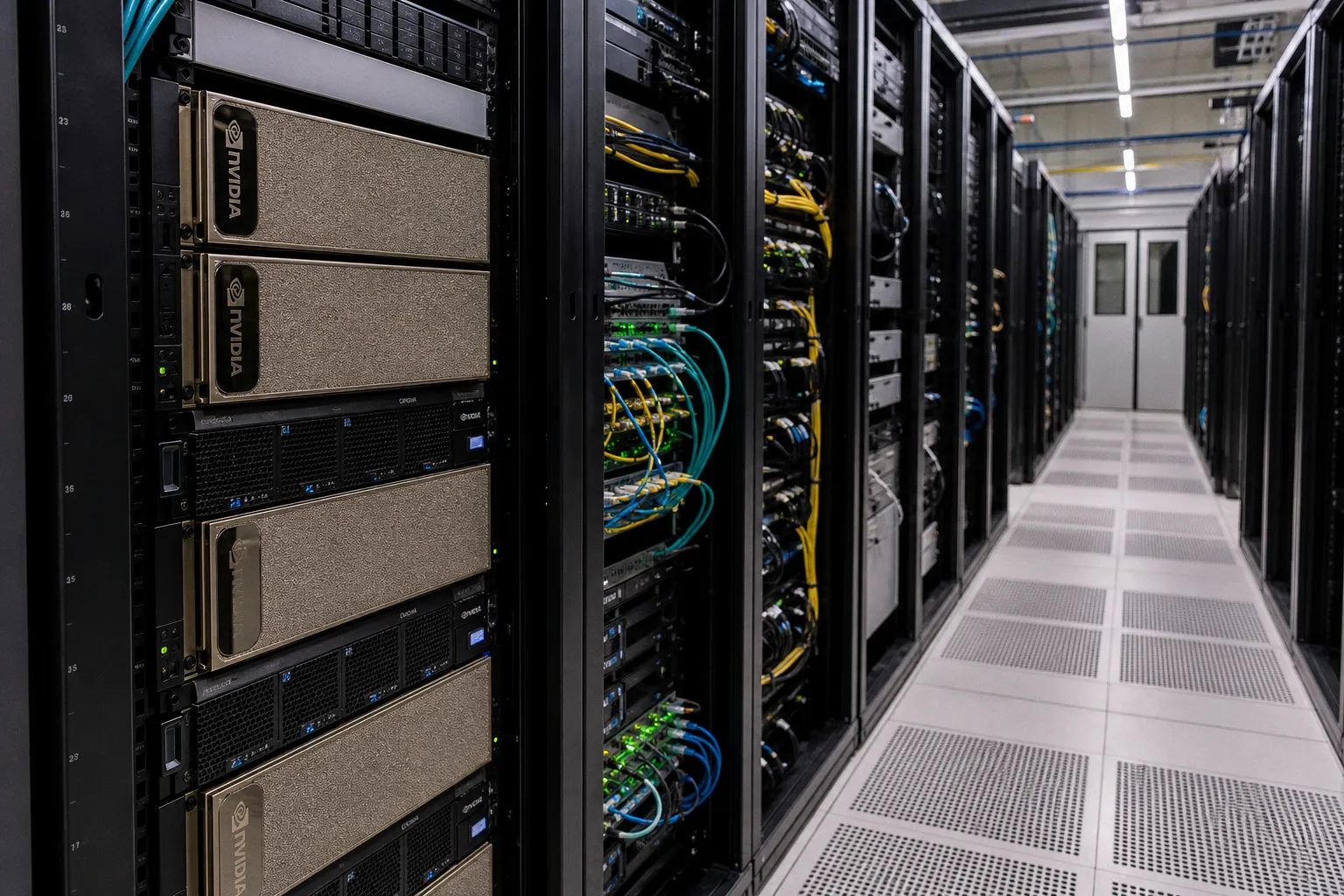
This guide walks the stack — image size, lazy pulling, warm-pool architecture, readiness probes, and observability — with the specific numbers and gotchas that bit us the first time we deployed 70B-class endpoints on Kubernetes.
The Anatomy of an LLM Cold Start
Before we tune anything, let's agree on what we're actually measuring. A cold start in this context isn't one event — it's a chain of six phases, each with its own latency profile:
| Phase | Typical range (70B model, fresh node) | Primary optimization |
|---|---|---|
| Image pull from registry | 60–180 s | Slim images, lazy pull, P2P distribution |
| Container runtime init | 2–8 s | Distroless or minimal base |
| Model weights fetch (if external to image) | 5–60 s | Pre-warmed PVC, S3 mount, NVMe cache |
| VRAM load (weights → GPU) | 10 s–3 min | Quantization, faster storage tier |
| Readiness probe transition | 1–5 s, or pod killed | Tuned probes, startup probes |
| End-to-end cold start | 1.5–6 min | Sum of the above |
Image pull dominates the cold start window — but the probe configuration decides whether that work actually counts.
Two numbers worth memorizing. Image pull typically eats 50–80% of total cold start latency for large models. VRAM loading for a 70B model on a single H100 can exceed two minutes. If your autoscaler reacts to traffic in seconds but your pods take four minutes to serve, your SLA is already broken. We treat every second of that four-minute window as budget — and we cut from there.
Optimizing Container Images: From Gigabyte Bloat to a Clean Runtime
The cheapest second we'll ever save is the one we don't waste pulling a 12 GB CUDA image. Most LLM containers we audit carry at least 4–8 GB of unused tooling — full Linux userspaces, build toolchains, debuggers, and Python ecosystems that exist for nothing more than the install step.
The fix is mostly hygiene:
- Multi-stage builds. Build in a fat image with the CUDA toolkit and compilers; copy only the runtime artifacts into a distroless or `nvidia/cuda`-runtime base. We've seen image sizes drop from 11 GB to 1.3 GB with no functional change.
- Strip the model weights out of the image. Bake a 70B FP16 model into your image and you've committed to pulling 140 GB on every node. That's not a deployment strategy — it's a storage bill. Keep weights in a model registry, S3 bucket, or shared PVC, and let the container fetch them on startup.
- Use a slim runtime base. `nvidia/cuda`-runtime is typically 600–900 MB versus 4–5 GB for the devel variant. Pair it with `python:3.11-slim` or a distroless Python image.
- Audit your layers with `dive`. We've caught training wheels — `pandas`, `scipy`, even `jupyter` — shipped to production, each adding 30–80 MB that pulls every time.
One gotcha worth flagging: not every runtime supports every base image. Distroless images don't run a shell-based init container, so anything that needs `curl` for a health check has to go through an HTTP client in your app or a separate sidecar. Plan the base image before you plan the health checks — the order matters more than teams expect.
Lazy Loading and P2P Image Distribution
Even after we slim an image to 1.3 GB, pulling it on a fresh node still costs 15–30 seconds. Lazy loading attacks that cost directly: the container starts before the entire image is on disk. Only the chunks needed for the entrypoint are pulled upfront; the rest stream in as files are accessed.
The standard tool here is Stargz Snapshotter for containerd, with the `eStargz` format. With it enabled, you can build your image with a tool like `ctr-remote image optimize` and get sub-second container starts even on multi-gigabyte images. The sanity check is straightforward — `ctr-remote images ls` shows the `ext4` versus `stargz` type. If you see `stargz`, you're getting the lazy pull.
A second option, Nydus from Dragonfly, takes a similar approach with a custom filesystem layer format. We've used both; either is fine, but pick one and stay consistent — mixing them in the same cluster adds operational complexity.
For very large clusters, P2P distribution becomes attractive. Tools like Dragonfly (the P2P piece, separate from Nydus) or Kraken pull images once per node and then serve subsequent nodes from peers. In our testing, P2P reduced pull time from 90 seconds to under 20 seconds for a 4 GB image on a 50-node cluster, because the registry wasn't the bottleneck anymore. The gotcha: P2P requires its own control plane and DaemonSet, and it adds a dependency your platform team will maintain indefinitely.
A quick sanity check we run before adopting any of these: confirm your managed Kubernetes service actually exposes the underlying containerd configuration. EKS, GKE, and AKS all support custom snapshotter configurations now, but the path to enable them differs — and on some managed offerings, you can't enable them at all without node image customization.
Warm Starts via Knative minScale and Shared Model Storage
Lazy loading addresses pull latency. The next lever is more aggressive: don't go cold at all.
Knative's `minScale` setting keeps a baseline number of pods warm regardless of traffic. Setting `minScale: 2` on a 70B serving deployment means two pods are always running, paying the VRAM cost but absorbing the cold start hit. When traffic arrives, those pods serve immediately. New pods still cold-start to handle the spike, but user-visible latency stays sub-second for the majority of requests.
The trade-off is cost. A 70B FP16 model occupies ~140 GB of VRAM, which means two warm pods tie up two GPUs around the clock. For high-traffic endpoints, that's a bargain. For dev environments running a chatbot queried twice a day, it's wasteful. We use a simple rule: set `minScale` equal to the number of pods needed to handle your p95 traffic, and let autoscaling handle the rest.
Beyond `minScale`, shared model storage is the architectural shift that changes the economics. Instead of embedding model weights in the container image, mount an S3 bucket via the S3 CSI driver or a high-performance PVC populated by a model-loading init container. Triton Inference Server natively supports model repositories on shared storage — point it at `/models` and it loads from disk on startup. The container image becomes a small, stable artifact; the model is a separate, versioned asset.
This separation has three benefits we lean on constantly:
1. Model updates don't trigger image rebuilds. Bump a versioned path in storage and restart the pod.
2. Image size drops dramatically. A Triton container with no embedded weights is around 800 MB.
3. Multi-model serving on a single pod becomes trivial — one container, multiple model repositories mounted side-by-side.
The gotcha: S3-mounted filesystems add latency compared to local NVMe. We've measured a 15–25% increase in model load time when reading 70B weights from S3 versus local disk. For workloads where cold start is critical, we pre-warm an NVMe cache on the node and have the init container hydrate it from S3 on first boot.
Readiness Probes — The Silent Killer of All the Work Above
This is the section that, if you skip it, will make everything above useless. We have watched engineers shave 90 seconds off image pull time and still see pods killed mid-load because the readiness probe gave up.
The default readiness probe in a typical Kubernetes manifest has `initialDelaySeconds: 10`, `periodSeconds: 10`, and `failureThreshold: 3`. That's 40 seconds to become ready. A 70B model loading from S3 to VRAM takes longer. Kubernetes declares the pod unready, removes it from the service endpoints, and — in aggressive autoscaler configurations — terminates it. You saved 90 seconds on the pull only to lose 4 minutes to a probe timeout.
The fix is two-fold.
Startup Probe Plus Readiness Probe, Properly Split
Use a startup probe (Kubernetes 1.20+) for the slow phase. The startup probe gates the readiness probe until model loading, weight hydration, and any other slow startup work completes. A configuration that has served us well on 70B deployments:
| Probe | Field | Value | Why |
|---|---|---|---|
| Startup | `initialDelaySeconds` | 30 | Allow first HTTP listener to bind |
| Startup | `periodSeconds` | 10 | Check every 10 s |
| Startup | `failureThreshold` | 36 | ~6 minutes of grace for full model load |
| Readiness | `periodSeconds` | 5 | Tighter checks once startup is past |
| Readiness | `failureThreshold` | 2 | Fail fast after startup, but not immediately |
The startup probe gives you six minutes to complete model loading; the readiness probe takes over with tighter checks once the model is in VRAM.
Tie Readiness to Model Readiness, Not Container Readiness
The probe endpoint returning 200 is not the same as the model being ready to serve.
We learned this the hard way: a probe returning success based on port-open alone passes in 200 ms, the autoscaler sends traffic, and the request times out because no weights are in VRAM yet. Triton serves `/v2/health/ready` with the right semantics — it returns 200 only after the model is loaded — but custom serving code often returns 200 the moment the listener binds. Always tie your readiness signal to model readiness, not container readiness.
Benchmarking and Observability — Measuring What We've Actually Fixed
You can't improve what you don't measure. Before you can cut cold start times, you have to check them — and the only honest measurement is end-to-end, with the same model and image you'll ship to production.
We've standardized on three metrics, each emitted as a Prometheus histogram:
- `cold_start_total_seconds` — wall time from pod creation to first successful inference response. Buckets: `[1, 5, 15, 30, 60, 120, 300, 600]`.
- `image_pull_seconds` — duration between pod creation and container start.
- `model_load_seconds` — duration between container start and readiness probe success.
A Grafana dashboard with these three panels, sliced by model size and node pool, is worth more than any amount of theory. We've caught regressions in image pull time that traced back to a misconfigured VPC endpoint — the dashboard made it visible in minutes.
For day-to-day debugging, `kubectl describe pod` output gives a surprisingly good breakdown. The `Events` section timestamps the image pull start, sandbox creation, and container ready transitions. We've used it to find misbehaving nodes where pull time suddenly tripled — usually a node with a saturated disk or a routing issue to the registry.
One operational sanity check worth doing monthly: pick one model, redeploy it on a fresh node, and time the full cold start end-to-end. Document the number. Network paths, registry backends, and node images drift; what was 90 seconds last quarter may be 180 seconds now. We run this on the first Monday of each month and post the result to the team's runbook.
Closing Position
Cold start on Kubernetes isn't a single fix — it's a stack. Image size sets the floor for pull time. Lazy loading and P2P set the floor below that. Shared model storage changes the economics of how big an image needs to be. Knative `minScale` decides how often you hit the floor at all. And the readiness probe — quietly, fatally — decides whether the work you've done is allowed to count.
In our experience, the median cold start on a well-tuned 70B deployment drops from roughly 4 minutes to under 60 seconds. The wins come from doing all five together. Skip the readiness probe step, and you'll watch the other four get undone in production. Skip the `minScale` step, and you'll pay for warm pods you're not using. Each lever trades one cost for another, and the right combination depends on your traffic shape, your cost ceiling, and how patient your users are at 09:00.
Start by measuring. Then cut the biggest line item. Then measure again. That's the loop, and it doesn't get more complicated than that.